CanalNETWORK 2.5 (Jan 2025)
🎉 Happy New Year 2025! 🎉
Hello and Welcome Again,
We are thrilled and excited to bring to you yet another enhanced version of Version 2.5 of CanalNETWORK and DrainNETOWRK, including major updates.
In this release we provide updates for better user experience, and bug fixes found while testing previous releases. The DrainNET product resources are enhanced in a major way to accommodate key workflow requirements in design process.
Big Thankyou, EEC for your trust, contributions and support.
Happy Designing!
Team Quanomic.
Skip to read What's New
What's New
CanalNET Updates
-
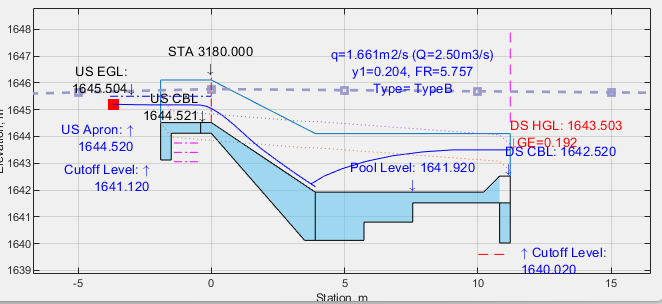
New interface included for detailed views (currently for special structures inlduing inclined drops, HR/CRs). The same interaction functions are available in this interface, including production to AutoCAD.
-
New Inclined Drop structure integrated. Current version is only for Type I (simple energy dissipater only).
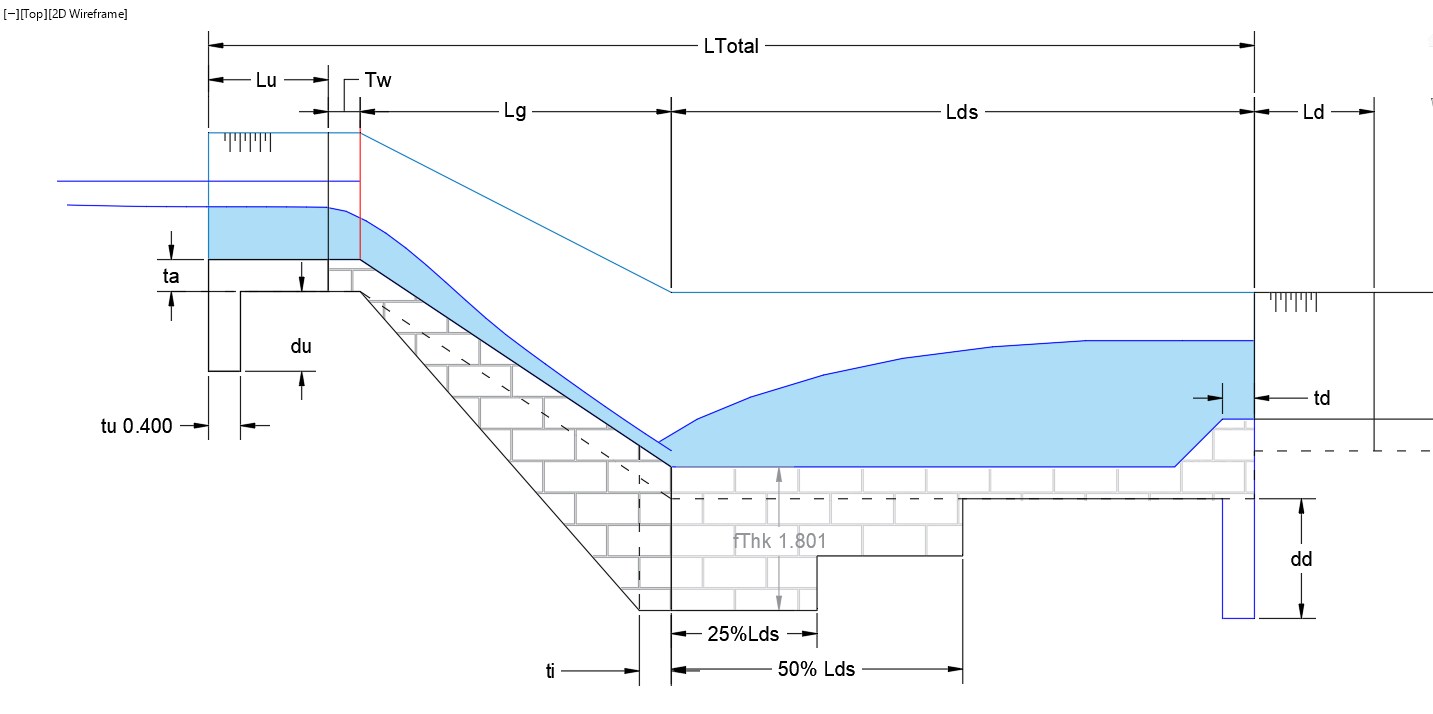
The corresponding verification document is available here (opens in a new tab)
-
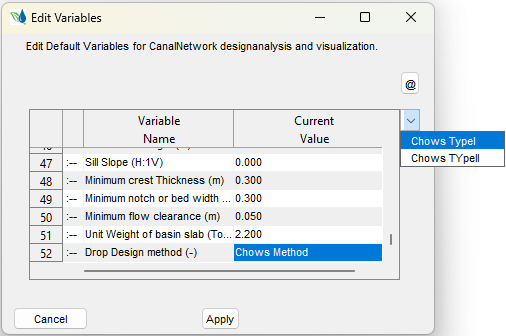
New TypeII vertical drop integrated based on guiding template from EEC. The option to use this drop is selected from the project preferences window. Note: This drop is not yet integrated for Turn Out with drop structure features.
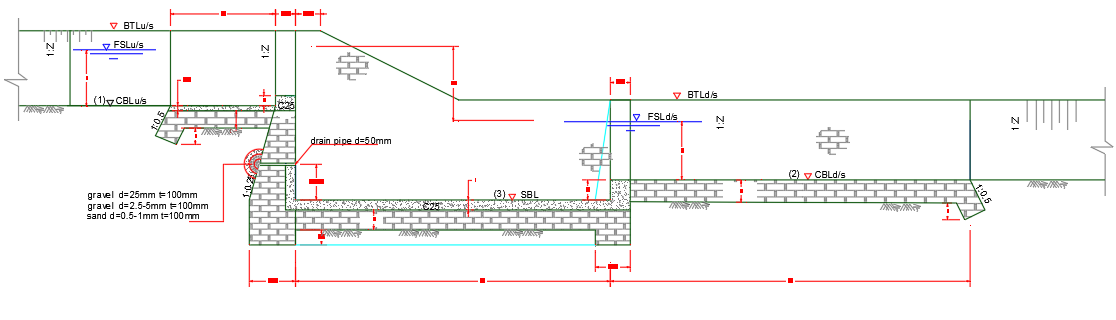
The corresponding verification document is available here (opens in a new tab).
-
Improved and reorganized menu commands for managing project preferences and design criteria.
-
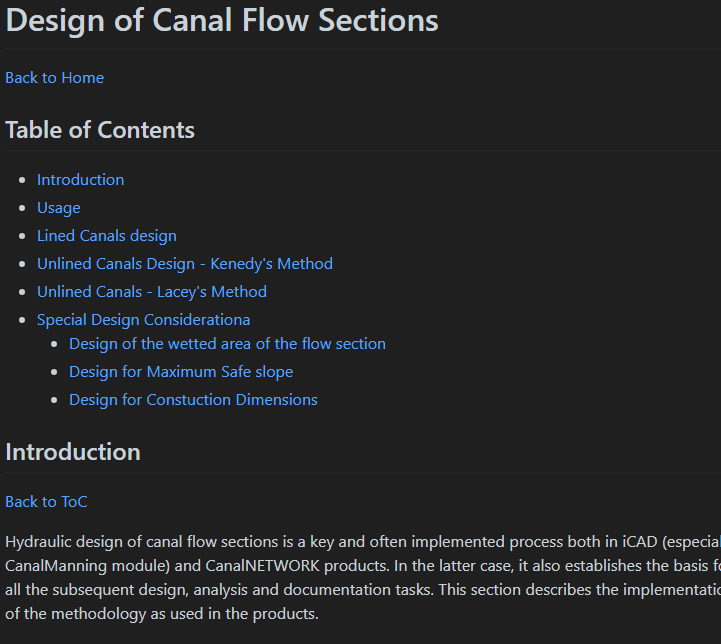
Design of canal sections using regime methods is fully enhanced and developed to meet current methods in practice.
-
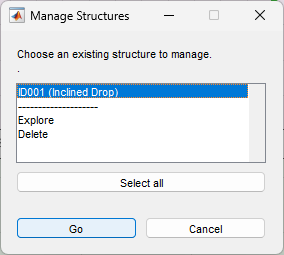
Improved management of canal structures in a network, now alows deleting and exploring structures more flexibly.
-
Improved drop type selection, after integration of the new vetical drop structure in project preferences.
-
Integration of a new type of turnout design, based on guiding drawings and excel templated. The new turnout now generates dimensions tables for the new drawing. It has also features for determining number of pipes and pipe invert levels.
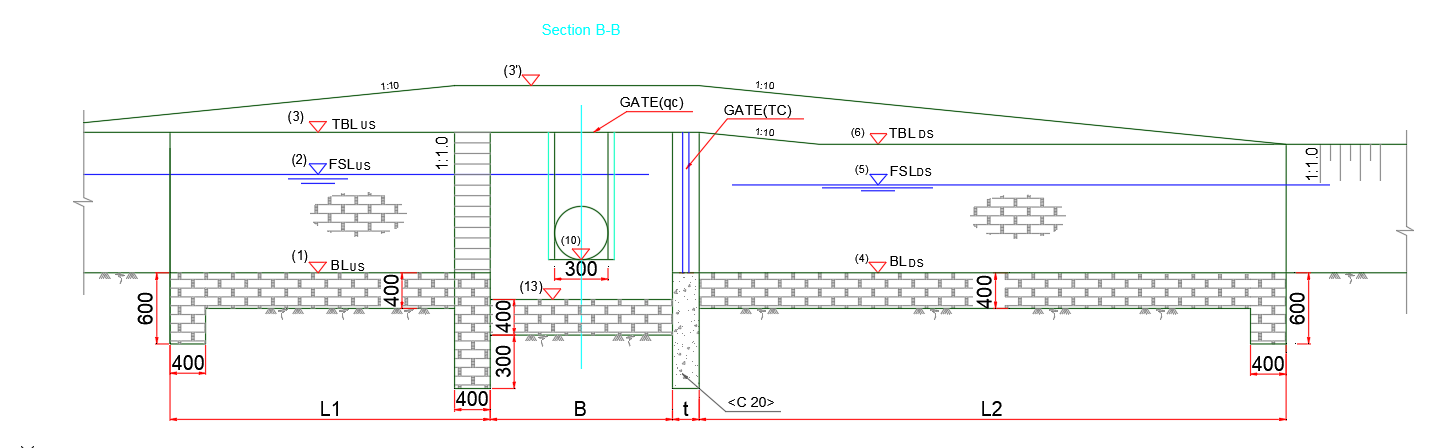
Please refer to the documentation for assumptions and details considered when integrating the feature.
-
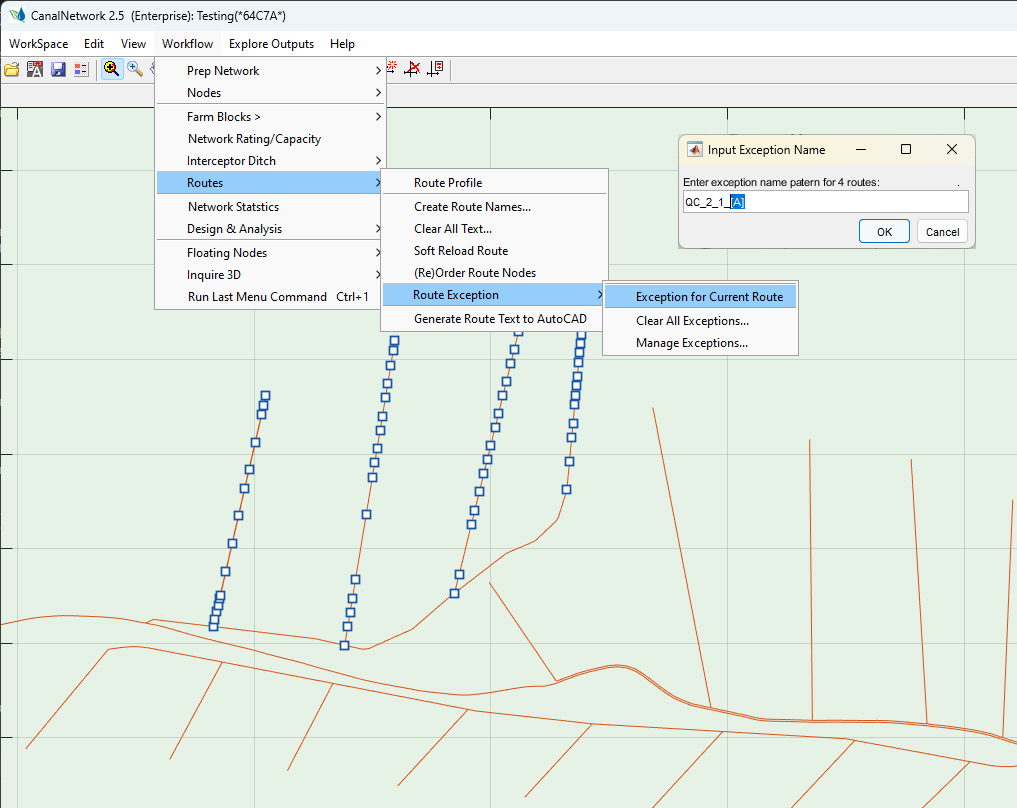
Multiple routes exception setting capability is now included. Users can select multiple canals and create exception names in one go.
Note: All selected canals must branch from the same parent canal. Note: The automatically generated names follow a patter of the dynamic character in the input. If alphabet, or number, subsequent names are created sequentially.
-
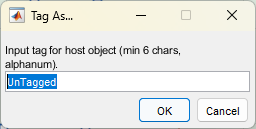
Auto change data host shapes on the fly. Helpful tools while saving networks or cloud data. When a new (previously untagged) AutoCAD object is selected to host surface data, or canalnet data, the shape automatically changes.
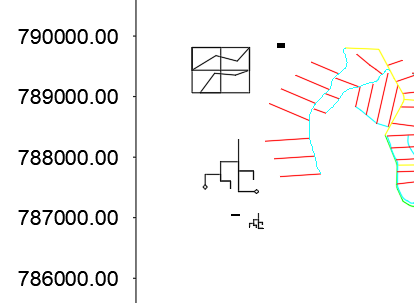
The feature also allows to provide object tags.
-
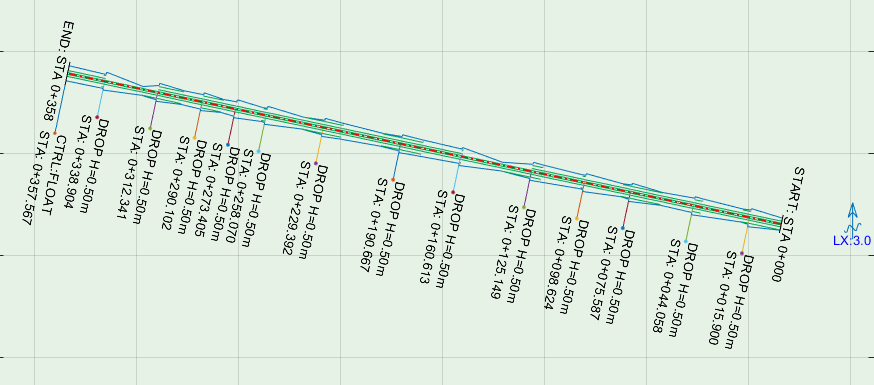
Plan view is icluded on DrainNET application product in this version. Users can visualize and interact with the views, and product to AutoCAD following usual procedures.
-
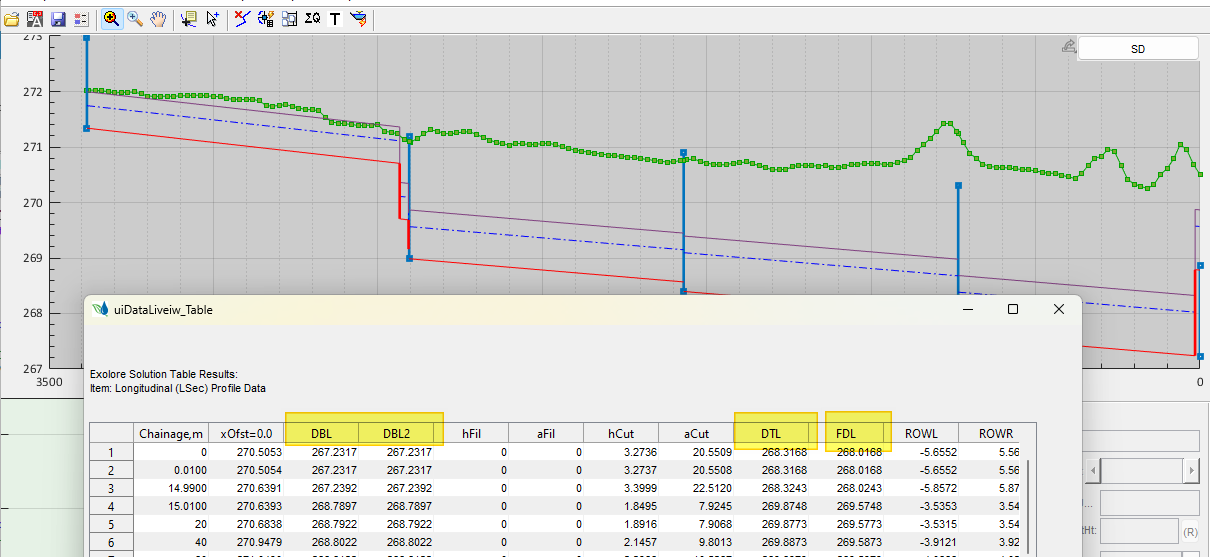
DrainNET now displays corrected column headers to LSec data table.
Bug fix:
The following fixes are made in this update.
-
Batch BoQ now handles selections in profile view axis, to avoid applying specific algos (e.g., report by chainage) in batch processes. Previously resulted in long (endless loop difficult to abort)
-
LSec plot datum crossing fix. Users must follow the usage note, that canals must be updated for LSec Data once in production view to avoid these issues.
-
Exception naming correction for generating to AutoCAD, that resulted in ignoring underscore characters.
-
Duplicate label text in AutoCAD when generating cross-section drawings improved.
END.